At a time when Chinese manufacturers were offering amazing features on smartphones at rock-bottom prices, the Galaxy J1 was
something of a joke when it was launched in India at the beginning of 2015. Extremely low-end hardware and a slow software experience that you wouldn’t want even your enemy to suffer made the Galaxy J1 one of the worst Samsung phones we had seen in a long time.
Six months later, Samsung launched the Galaxy J2 for a slightly higher price (roughly $130) than the Galaxy J1′s. Thankfully, the company made major improvements to the hardware: a larger screen, better processor, more storage and higher-resolution cameras for the same amount of money make the J2 seem more attractive than its predecessor, even if it still pales in comparison to what the Chinese competition is offering.
But the software is where it counts in this day and age, and does the Galaxy J2 bring enough improvements to the overall user experience? Let’s quickly get started with the review to find out.
Design
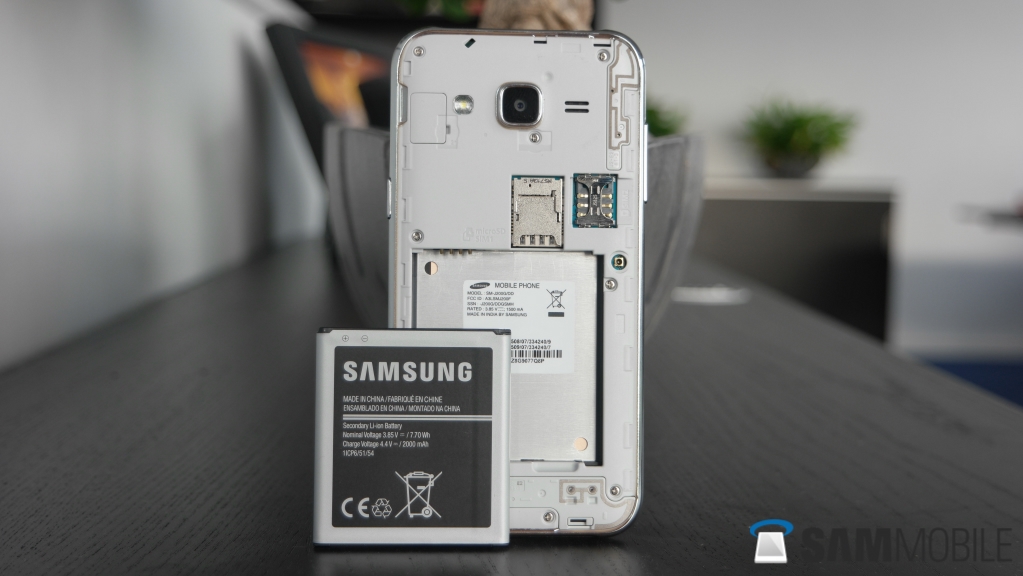
Despite all its achievements in the mobile industry, smartphone design isn’t one of Samsung’s strong suits. The Galaxy J2 looks as average as a smartphone can look, with a rounded design and a thick faux metal rim that stands out like a sore thumb. The phone feels okay in the hand thanks to the soft-touch back panel, which is removable and gives you access to the battery, two SIM slots, and a microSD slot. That faux metal rim is the main source of the ugliness here, and we have no idea why Samsung couldn’t have at least made it a bit thinner.

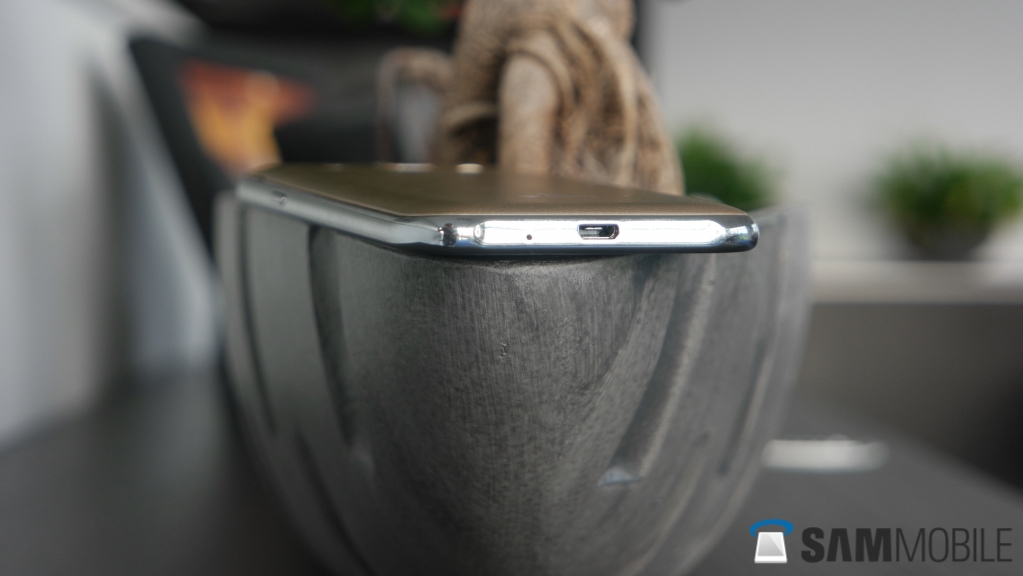
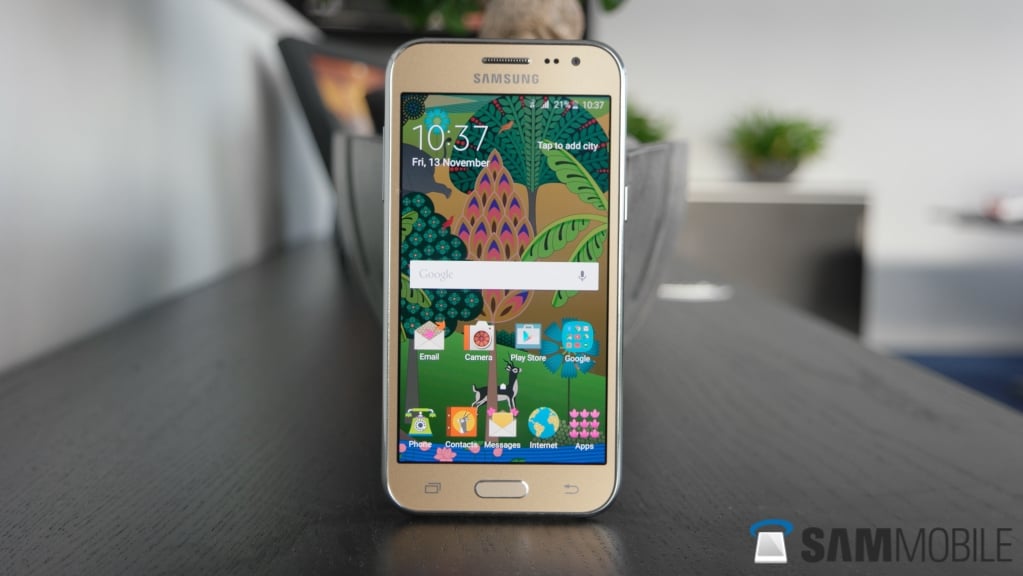
On the front of the phone are the navigation keys (a hard home button and two capacitive non-backlit back and recent apps), the earpiece, proximity and front-facing camera sensors, and the Samsung logo. Volume buttons are on the left, the power button is on the right, the primary microphone and microUSB port are at the bottom, and a 3.5 mm headphone jack is present at the top. Around the back we see the 5-megapixel primary camera in the center, with an LED flash and loudspeaker grille on each side. Near the bottom is the 4G DUOS logo; the J2 supports 4G only on one SIM, with the second SIM slot only supporting 2G networks.
Again, nothing about the Galaxy J2′s design looks like any meaningful effort was put into it. That fat rim around the device is something we wish Samsung would just do away with, and a bit of focus on the looks of its devices could help the company do slightly better in this segment of the market.
Display
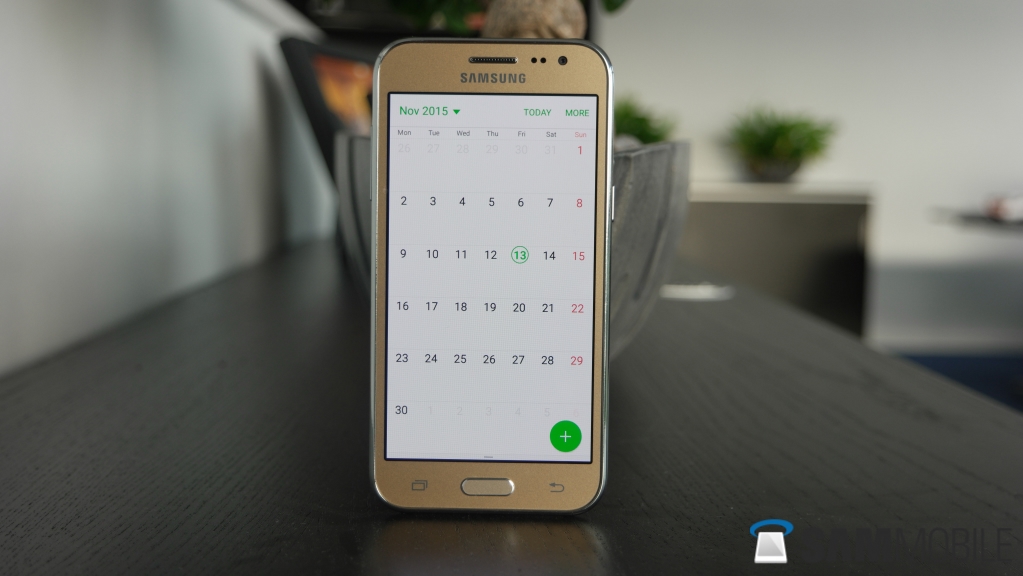
The Galaxy J2 features a 4.7-inch Super AMOLED display, with a resolution of 540×960 pixels (qHD). Phones priced so low don’t usually offer a great viewing experience, but the Galaxy J2 defies that convention thanks to its Super AMOLED display. OLED displays are intrinsically more attractive than LCD displays, and as a result the Galaxy J2 doesn’t disappoint. The screen has a lot of contrast, gets really bright (especially when you enable the Outdoor mode), and shows very deep blacks.
Viewing angles are good as well, though you do have a bit of color shift when you tilt the phone to an angle and then look at the display. The display isn’t very sharp, since the qHD resolution only equates to around 230 ppi of pixel density, and the Galaxy J1 actually has a sharper display because it only measures 4 inches. For the price this is forgivable though, and the advantages of the AMOLED panel make up for the not-so-high screen resolution.
Oh, and in case you were wondering, the Galaxy J2 doesn’t feature an auto-brightness option, something that is missing on higher priced budget Samsung phones like the Galaxy J5 and Galaxy J7 as well. The Outdoor mode (accessible from the notifications shade) helps in bright daylight, but Samsung really needs to understand that removing the auto-brightness feature is one of the last things it should do when looking at how it can reduce the price of a smartphone.
Cameras
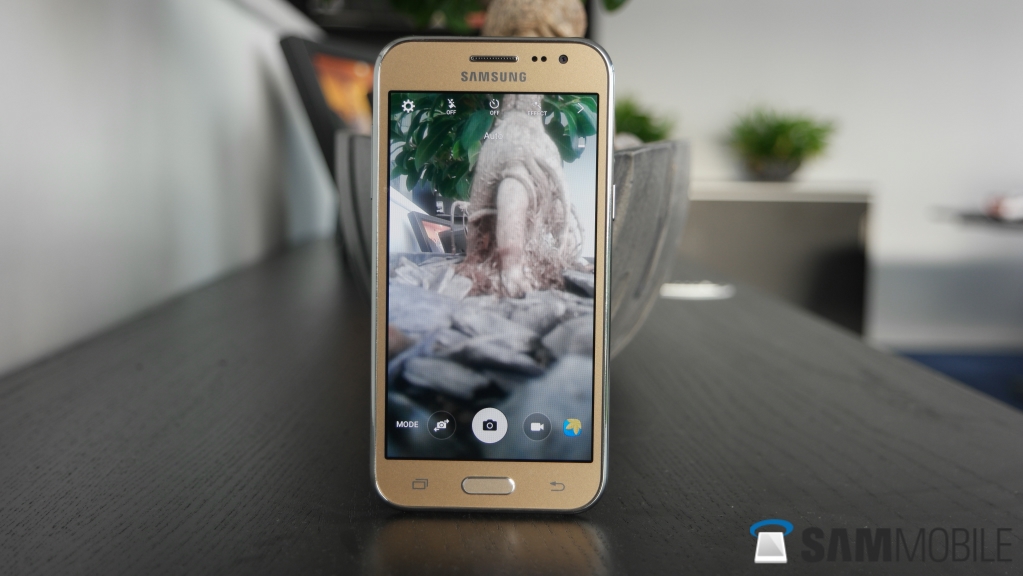
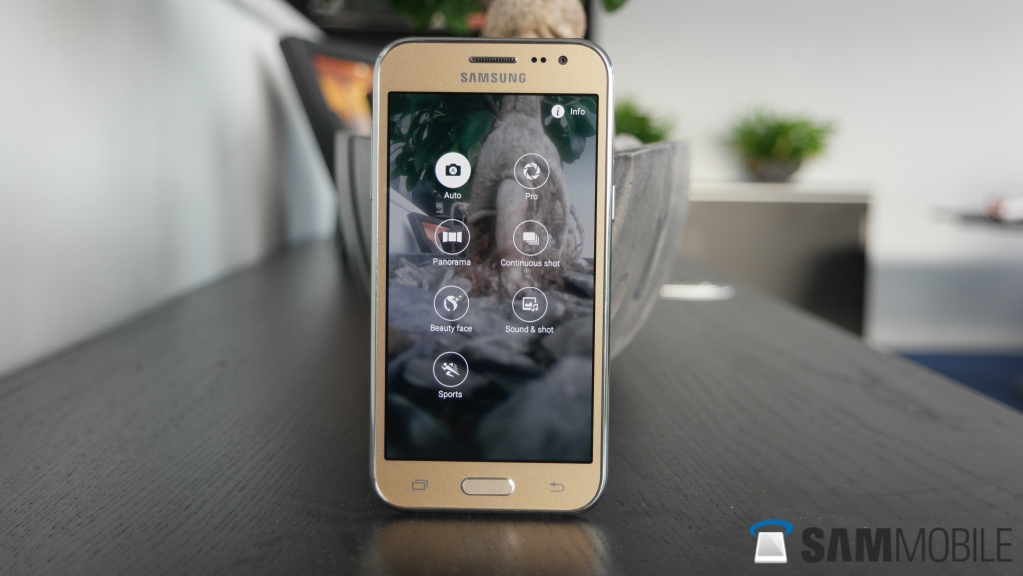
The Galaxy J2 comes with a 5-megapixel autofocus camera at the back, and a 2-megapixel camera at the front. The rear camera’s performance is at par with cameras found on devices in the sub-$150 price range, which is to say it’s not very good. Images aren’t very sharp, with dull colors and noticeable noise indoors. In low-light conditions the camera gets severely limited, and it can take a couple of seconds to get proper focus on the subject before a picture gets captured. Video quality is unimpressive as well, with a lack of detail very prominent in pretty much every scenario and noticeable shake.

Selfies were a highlighted feature on the Galaxy J1, and it’s the same for the Galaxy J2 as well. Surprisingly, the front camera is better than the one on the back. Despite the low-resolution sensor, the pictures it takes are pretty sharp, at least when you compare it to the rear camera. Color reproduction is also pretty good, though the Super AMOLED display does help in adding to the images’ charm. Noise control is also done well, and the front camera’s performance is good enough for posting images to social networks like Facebook and Instagram.
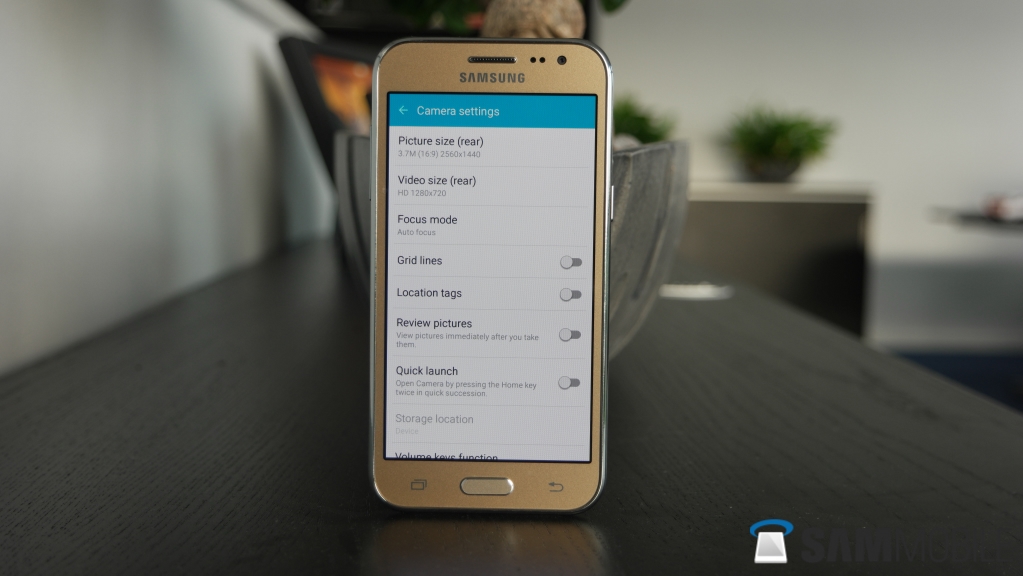
The Galaxy S6 feature that allows you to launch the camera app from anywhere by pressing the home button twice in quick succession is available on the Galaxy J2, though it’s disabled by default. Quick access to the camera is one of the top reasons for this shortcut to exist, but most of the time the phone can’t launch the camera app quickly enough because of the not-so-powerful hardware inside (which we will talk about after the software section.)
Check out a few camera samples below.
Software
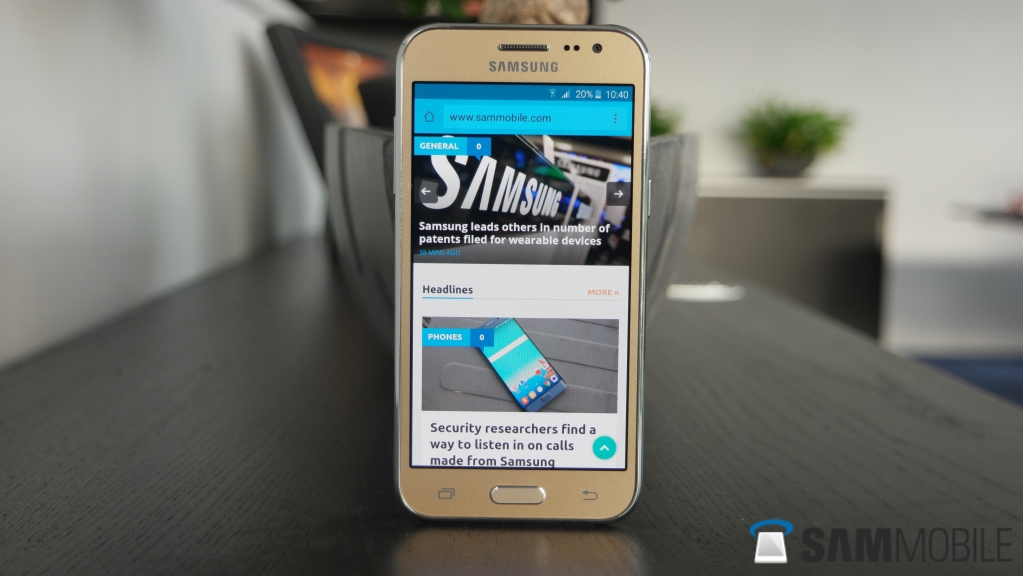
The Galaxy J2 runs Android 5.1.1 Lollipop, with the newest version of Samsung’s TouchWiz UX on top (the one that debuted on the Galaxy S6 and S6 edge earlier this year.) If you’ve used a Samsung smartphone before, you will feel right at home when you pick up the J2. Samsung’s user interface is the most intuitive in our opinion, especially now that the company has started cutting down on unnecessary features. That’s not to say you don’t get a lot of additional functionality over what you would find on a device that runs a stock version of Android, but none of the added stuff is in your face.

Ultra Data Saving Mode is one feature that is exclusive to the Galaxy J2 (and to the Tizen-powered Z3.) This feature helps you save on data costs by compressing all incoming and outgoing internet traffic, and allowing you to limited data usage on a per-app basis. It’s certainly useful if your data plan doesn’t give you a lot of data, and its implementation across the operating system means you can drastically reduce the amount of data you use up everyday.
The Galaxy J2 also supports themes, but sadly there is no option to install additional ones over the ones that come pre-installed. This might be a limitation because of the qHD display resolution, as theme makers will have to adapt their themes to support this particular resolution, a task they might not be ready to undertake given the Galaxy J2 is extremely limited in terms of availability. Of course, support could be added later on as more qHD smartphones from Samsung become popular, but at this point you will have to make do with the rather unimpressive pre-installed themes to freshen up the software’s look.
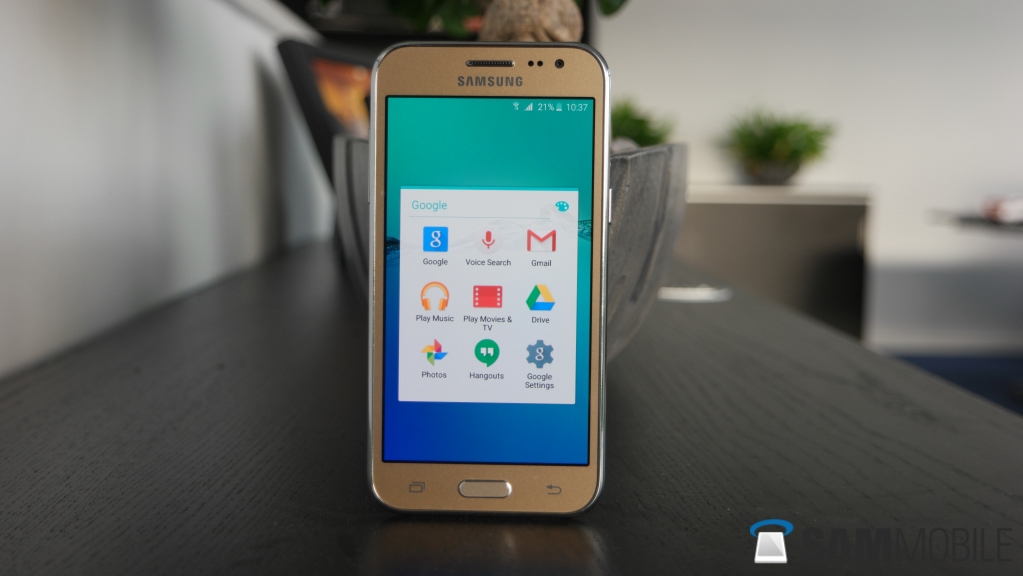
The J2 doesn’t come with Samsung’s proprietary music player either, an omission that can be seen on all Galaxy J devices, so you will have to make do with the Google’s Play Music app. But other than this, you get most of the features you get on costlier Samsung devices, including features like Download Booster.
Performance
This is the part where the Galaxy J2 brings the biggest improvement over the Galaxy J1. Partly because of the optimized version of Samsung’s TouchWiz UX, the Galaxy J2 performs adequately most of the time. There are a few stutters here and there, notably in the app opening animations and when you expand notifications on the lockscreen, but otherwise the J2 doesn’t suffer from the performance issues of its predecessor. Apps launch rather quickly, though there was sometimes a noticeable lag when switching between apps.
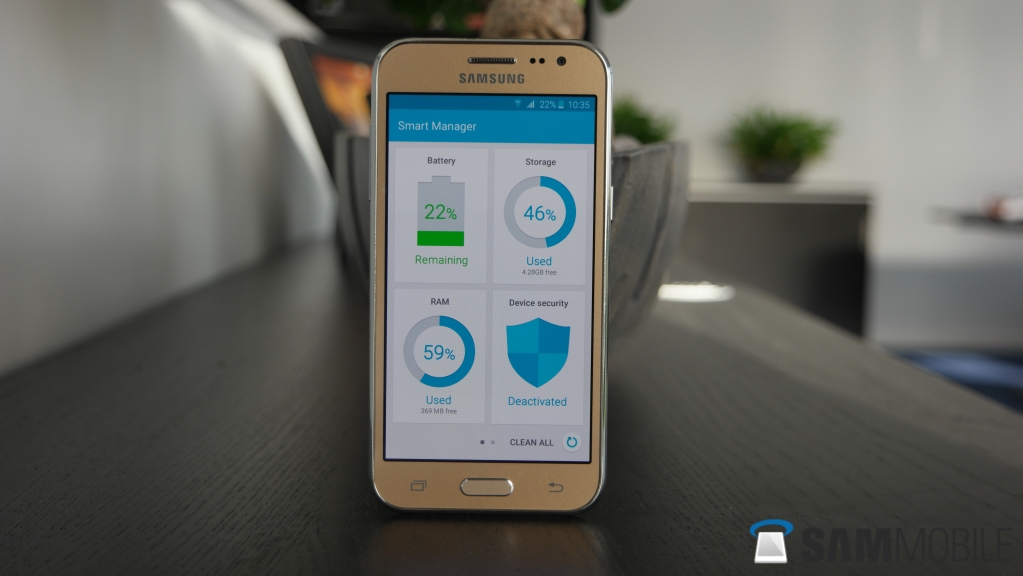
When it comes to gaming, the entry-level nature of the J2 becomes noticeable. Temple Run 2 ran fine, but Angry Birds 2 didn’t do anything except show a blank screen, indicating compatibility issues with Samsung’s new quad-core Exynos 3475 chipset. Also, like other low-end Samsung devices, the J2 failed to download any high-end game (like Asphalt 8) due to the very low internal storage, so we were unable to test those out.
Overall, the Galaxy J2 performs slightly above average for the hardware it carries. It’s good for basic usage that includes social networking, some browsing, and a bit of basic gaming, but if you’re a demanding user the Galaxy J2 won’t hold up too well.
Battery
The Galaxy J2 comes with a 2,000 mAh battery, which is slightly larger than the 1,850 mAh battery found on the Galaxy J1. The hardware might not be too demanding - 2,000 mAh batteries aren’t exactly large enough for everything a smartphone is subjected to today, but battery life on the J2 isn’t bad. With general usage involving some calls, browsing, WhatsApp and three email accounts syncing all day, the phone was able to make it through the day easily. Heavier usage, especially when taking a few images with the camera, reduced the phone’s endurance by a considerable amount, but it still managed to get through an 8-hour work day with aplomb.

That said, battery life is nowhere near as good as that of the Galaxy J5 or Galaxy J7, both of which are higher-end devices in the series and benefit from battery capacities often seen on flagship smartphones. Both the Galaxy J5 and J2 could go into the second day before needing a charge, and it’s disappointing to see Samsung isn’t maintaining the same battery performance on all phones in the lineup.
Like every other smartphone from the Korean giant today, the Galaxy J2 comes with the Ultra Power Saving Mode feature. Ultra Power Saving Mode is basically a fancy name for an option that turns the phone into a feature phone of sorts. Almost everything gets disabled, including the display’s color output, to save battery. You can make calls, use WhatsApp or browse the internet and use a couple of basic apps like the calculator when this mode is on, and that’s about it. Wi-Fi and mobile data get disconnected when the screen is off to reduce idle drain, and all of it helps when you want to make every drop count.
Audio/Call Quality
The Galaxy J2 comes with a single loudspeaker at the back, like most Galaxy smartphones. The loudspeaker doesn’t get very loud, but sound quality is acceptable, with noticeable punch to the output. No, you won’t be listening to music on this loudspeaker very often, and overall it’s pretty much average. Expect to miss a few calls when the phone is in your pocket and you’re in a crowded place, and don’t expect to be able to easily listen to what the other person is saying when you put a call on the loudspeaker.
Speaking of calls, call quality on the Galaxy J2 is also just average. Both parties on a call can listen to each other well, but there is noticeable hiss sometimes when the network signal isn’t strong. The phone was able to latch on to mobile networks quite well for the most part. As is usually the case, it wasn’t too capable of providing a good signal in low coverage areas, but that’s a common problem across the budget smartphone market.
Wrap Up
The Galaxy J2′s best feature is the Super AMOLED display, considering its low price tag, even though we could have done with higher resolution. Performance is also good for the most part, but there’s pretty much nothing else here that can make the Galaxy J2 an instant recommendation.
It’s disappointing, to be honest, especially since the Galaxy j5 and Galaxy J7 are so much better, making the Galaxy J2 (and the Galaxy J1) look like an afterthought. The J2 is by no means a bad phone for the price a major manufacturer like Samsung is asking you to part with, but we just can’t help but feel the company isn’t offering much in the ever growing budget smartphone market. There are a lot of better options available in the J2′s target market, some of them even priced lower, and we hope Samsung can start making budget phones that don’t make you feel like you are sacrificing on most of the important aspects of a smartphone.











Search This Blog